Safety & Planning · 9 min read · May 29, 2026
How Weather Windows Actually Work (And Why Checking a Regular Forecast Will Get You Grounded)
Using Google Weather to plan your paragliding session is a bit like using a road map to navigate a mountain trail — both technically describe the same terrain, but one will leave you stranded. Weather windows for free-flight sports like paragliding and skydiving are governed by a precise layering of wind speeds at multiple altitudes, thermal cycles, cloud clearances mandated by FAA FAR Part 103, and site-specific turbulence factors that no generic consumer forecast even attempts to model.
- Why standard forecasts fail: Consumer apps show surface-level conditions; pilots need wind data at 850 mb, 700 mb, and 500 mb pressure altitudes simultaneously to spot dangerous wind shear [5].
- The legal baseline: FAA FAR Part 103 (§103.23) sets hard cloud-clearance minimums for all ultralight vehicles, including paragliders — and ignoring them is both illegal and potentially fatal [3].
- Pilot rating limits matter: USHPA's Pilot Proficiency System caps novice (P2) launches at a 12 mph base wind and 15 mph gusts; going even slightly over puts a beginner in conditions requiring advanced skills [1].
- The right tools exist: Platforms like Windy.com, SkySight, and XCWeather were purpose-built to show thermals, boundary-layer depth, stability indices, and soaring potential — none of which appear on your phone's weather widget [4][5][6].
- Weather misjudgment is a leading cause of accidents: Research indexed in PubMed identifies weather misjudgment as a factor in roughly 42% of paragliding incidents [2].
- First-timers and veterans both need a system: Whether you are booking your first tandem or logging your hundredth solo, a repeatable pre-flight weather protocol is the single highest-leverage safety habit you can develop.
| Tool | What It Shows | Best For | Cost |
|---|---|---|---|
| Google / Apple Weather | Surface temp, wind, precipitation | Deciding whether to wash the car | Free |
| Windy.com | Multi-altitude wind layers, ECMWF/GFS models, 1,500+ paragliding spots [6] | Quick visual check, altitude overlays | Free / Premium |
| XCWeather | Lifted Index, thermal strength (w*), cloud base, wind shear by layer [5] | Cross-country flight planning | Free / Subscription |
| SkySight | High-res proprietary model, 2× vertical layers, convergence zones [4] | Competition and serious XC flying | Subscription |
| XCSkies | Thermal boundary layer, TI/TOC, winds aloft | Ridge soaring, site-specific thermals | Free |
| Meteoblue Thermals | Stability indices, lapse rate, humidity, clouds, winds in one meteogram [7] | Comprehensive pre-flight briefing | Free / Premium |
TL;DR: A phone weather app will tell you it's a sunny, breezy day; a pilot-grade tool will tell you that a 22-knot wind shear at 2,000 meters is about to fold your canopy — use the right one.
Why Consumer Forecasts Were Never Designed for Flight
Surface Data vs. the Full Atmospheric Column
The weather you feel on the ground and the weather a paraglider flies through 500–2,000 meters above you can be completely different air masses. Consumer forecasts — even good ones — report surface-level conditions: temperature, precipitation probability, and a general wind speed based on data collected at or near ground level. Free-flight pilots need a vertical cross-section of the atmosphere.
XCWeather's forecasting engine processes data from the Global Forecast System (GFS) and the High-Resolution Rapid Refresh (HRRR) model, then calculates thermal strength, cloud-base height, and convergence zones [5]. The platform provides wind forecasts at surface level, 850 mb, 700 mb, and 500 mb pressure altitudes, allowing pilots to identify wind shear situations where speed or direction changes rapidly with altitude [5]. Wind shear exceeding 20 knots between those layers can collapse a paraglider canopy or overstress a hang glider frame [5].
A standard weather app shows none of that. Nor does it show the convective boundary layer — the height up to which sun-heated air can create thermal lift — which determines both how high you can soar and when thermals turn dangerously vigorous as the day heats up [7].
The Thermal Cycle and Why Timing Is Everything
Thermals are columns of rising air generated by differential heating of the ground. They are the engine of cross-country paragliding and one of its greatest hazards. Early morning is typically glass-smooth; thermals fire as the sun rises, peak in early-to-mid afternoon, then weaken as temperatures equalize at dusk. A forecast that says "partly cloudy, 12 mph winds" tells you nothing about whether thermals will be benign 200-foot-per-minute lifts or violent, disorganized 1,000-foot-per-minute columns that can instantly overpower a beginner's inputs.
XCWeather uses the Lifted Index (LI) and K-Index to quantify atmospheric instability [5]. When the LI drops below −2, conditions typically support thermal activity strong enough for sustained cross-country flight [5]. A temperature differential exceeding 15°C between the surface and the 850 mb level generally indicates robust thermal development [5]. These are numbers a certified instructor checks before every lesson — and numbers that simply don't appear on your phone's home screen.
"Bad weather, sudden gusts of wind, or unexpected thermal activity can lead to accidents." — adventuro.com, data-driven paragliding safety overview [8]
Cloud Suck, Overdevelopment, and Legal Cloud Clearances
Cumulus clouds mark the top of thermals — they are, effectively, the chimney of a column of rising air. Fly too close to one and you risk cloud suck: the updraft inside an active cumulus can exceed the sink rate of your glider, dragging you involuntarily into instrument meteorological conditions (IMC) where spatial disorientation and mid-air collision risk skyrocket.
This is why FAA FAR Part 103, §103.23 sets hard legal minimums for ultralight vehicles, including paragliders and paramotors [3]. Above 1,200 feet AGL but below 10,000 feet MSL, operators must maintain at least 500 feet below, 1,000 feet above, and 2,000 feet horizontally from any cloud, with a minimum flight visibility of 1 statute mile [3]. At or above 10,000 feet MSL the minimums jump to 5 statute miles visibility, 1,000 feet below, 1,000 feet above, and 1 statute mile horizontal [3].
Violating these rules is a federal offense — but more importantly, research attributes cloud suck events in active cumulus to roughly 10% of fatal height-gain incidents tracked by Germany's DHV equipment testing and safety organization [2].
The Tools Pilots Actually Use
Windy.com — The Visual Swiss Army Knife
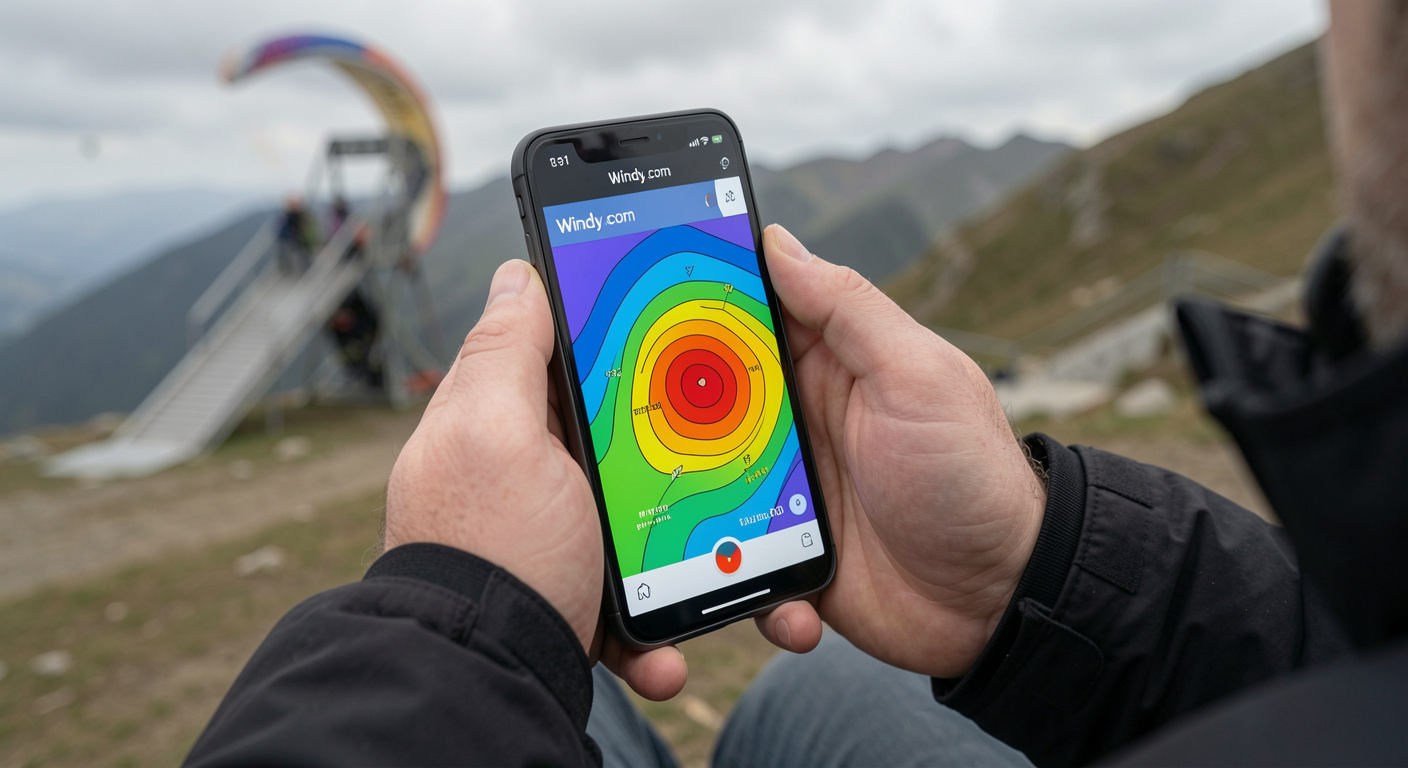
Windy.com has become the entry point for most pilots because it is free, visually intuitive, and surprisingly powerful [6]. The platform displays animated wind layers at multiple altitudes, offers radar and satellite overlays, and includes spot forecasts for over 1,500 paragliding sites worldwide [6]. Pilots can switch between the ECMWF (European Centre for Medium-Range Weather Forecasts), GFS, NAM, and NEMS models to compare scenario outputs — a technique called model comparison that experienced aviators use to gauge forecast confidence.
For most free-flight purposes, the most useful Windy shortcuts are:
- 900 m / 950 hPa wind layer — closest approximation to the altitudes most recreational paragliders fly
- Radar overlay — to check for convective activity within 50–100 km
- Soundings (SkewT) — vertical profiles showing temperature, dew point, and wind at every altitude layer
Windy also integrates airspace boundaries in some regions, which helps pilots identify restricted airspace before launch — a legal obligation under FAR Part 103 [3].
SkySight — High-Resolution Soaring Intelligence
SkySight was built from the ground up for soaring pilots. Created by Matt Scutter, an Australian competition sailplane pilot and software engineer, the platform runs its forecasts on in-house supercomputing infrastructure rather than relying solely on publicly available model outputs [4].
The key differentiator is vertical resolution. As Scutter described in an interview with the Cloudbase Mayhem podcast: "Within SkySight we run almost twice as many vertical layers than other people do" — allowing the model to resolve both thermals near the surface and the transition through complex terrain like ridges and valleys [4]. That resolution matters enormously when you are trying to determine whether the valley you plan to cross is in laminar flow or a rotor zone.
SkySight has been used in the planning of distance and altitude records across soaring disciplines and is the choice of several winning teams at World Gliding Championships [4]. While it is subscription-based and targeted at more experienced pilots, even beginners benefit from its convergence zone forecasting, which highlights lines where two air masses meet and produce linear thermal streets ideal for cross-country routes.
XCWeather and XCSkies — Thermal Depth on a Map
XCWeather and XCSkies (along with the free Soaringmeteo platform) translate raw numerical weather prediction into the specific outputs paraglider pilots need: thermal height, thermal strength (convective velocity w*), cloud base, and boundary layer depth [5][7].
XCSkies uses the Thermal Index (TI) and Temperature of Convection (TOC) at multiple altitudes. A TI value of −3 or below at a given altitude indicates workable lift at that level; the higher the altitude at which TI reaches −3, the higher your ceiling for the day [7]. XCWeather calculates the Convective Condensation Level (CCL) and Level of Free Convection (LFC) to predict cloud-base heights, which determine how close to a cloud you will be flying when you reach the top of a thermal — directly relevant to the FAR §103.23 clearance requirements [5].
"Cross-country flying demands precision weather intelligence that standard forecasting services simply cannot provide." — XCWeather, platform documentation [5]
The practical workflow most instructors recommend is a three-source cross-check: one global model (Windy/GFS), one soaring-specific tool (SkySight or XCWeather), and one local observation source such as a site-specific weather station or the Meteoblue thermal meteogram [7]. Divergence between sources is a red flag; when models disagree, the safest choice is to wait.
Legal Limits and Skill-Band Wind Thresholds
What USHPA Says by Rating Level
The United States Hang Gliding and Paragliding Association (USHPA) Pilot Proficiency System sets operating limitations that vary by rating. These are not suggestions — they represent the conditions within which a pilot at each skill level has been trained to operate safely [1].
| USHPA Rating | Max Base Wind | Max Gusts | Max Gust Rate | Thermal Climb Rate Limit |
|---|---|---|---|---|
| P1 (Student) | 12 mph | 15 mph | 5 mph in 5 sec | Instructor-supervised only |
| P2 (Novice) | 12 mph | 15 mph | 5 mph in 5 sec | 200 FPM max [1] |
| P3 (Intermediate) | 18 mph | 11 mph (gusty) | — | Expanding soaring |
| P4 (Advanced) | 25 mph | 10 mph differential | — | Full XC conditions |
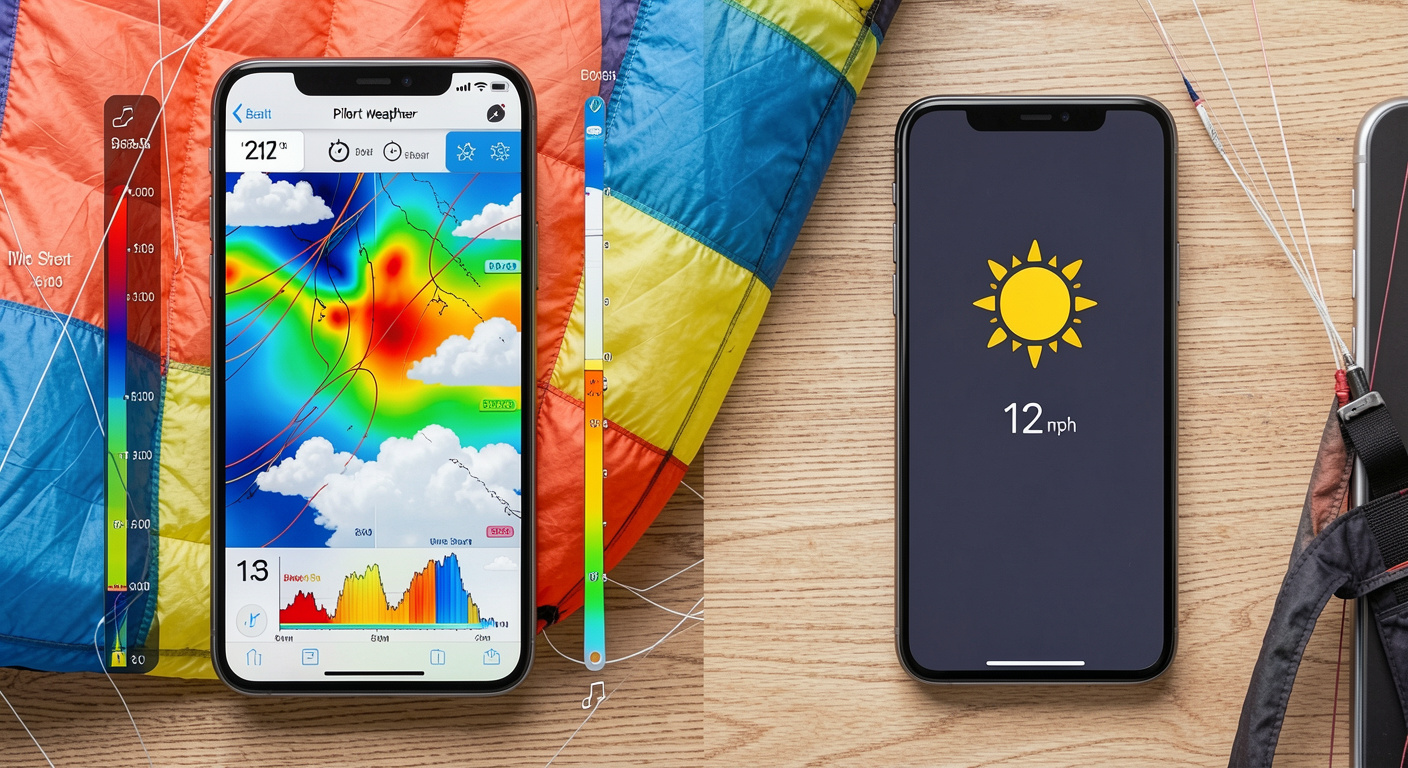
USHPA P2 pilots — those who have completed basic certification and are flying without direct instructor supervision — are specifically limited to a maximum base wind of 12 mph, peak gusts to 15 mph, and a gust rate of no more than 5 mph in any 5-second period [1]. This is the level most first-time solo paragliders hold when they begin flying independently. A consumer weather app that shows "12 mph wind" provides no information about gusts or gust rate — exactly the variables that matter most for a P2's go/no-go decision.
FAR Part 103 §103.23: The Cloud Clearance Hard Deck
Beyond wind, cloud proximity is a federally regulated hard limit for all paragliders operating as ultralight vehicles in U.S. airspace [3]. The FAA's own commentary on Part 103 states plainly that it "cannot support the operation of ultralights in or near clouds" due to the risk of IFR aircraft transiting through cloud without visibility [3].
The cloud clearance requirements under §103.23 exist precisely because consumer forecasts give no granular cloud-base altitude data. Knowing there is "partly cloudy" sky overhead tells a pilot nothing about whether the cloud base is at 2,500 feet (well above a recreational flight) or 800 feet (below the minimum safe operating altitude for most sites). Only tools that model the CCL and LFC — like XCWeather and SkySight — provide that number before you leave the trailhead [5][4].
Wind Shear: The Invisible Hazard No App Icon Shows
Wind shear — rapid changes in wind speed or direction with altitude — is among the most dangerous conditions a paraglider can encounter [9]. It is a particular hazard near the ground during approach and landing, where a sudden airspeed reduction can stall a wing without warning. Historical aviation accident data shows that significant wind shear events have involved microbursts of 35–45 knots [9].
Paragliders have a relatively long wingspan, which exposes them to a greater speed differential when wind shear is present [9]. A pilot relying on a surface forecast of "light and variable, 8 mph" has no idea whether a 25-knot jet is sitting at 500 meters waiting to roll them the moment they climb out of ground effect.
Building Your Pre-Flight Weather Protocol
The Three-Tier Check
Experienced instructors and USHPA-certified coaches consistently recommend a layered approach to weather assessment that no single app can replace:
- 72-hour outlook (macro): Run SkySight or Windy to identify the synoptic pattern — is a front approaching? Is there a ridge of high pressure building? This determines whether the flying window is likely to open or close.
- Morning-of check (meso): Pull XCWeather or Meteoblue's thermal meteogram to assess thermal height, strength, and the timing of convective overdevelopment. Look for the window between "thermals are firing" and "cumulus are building into cumulonimbus."
- Launch-site check (micro): Compare site-specific wind telemetry (from a local weather station or posted pilot observations) with the model output. If the station reads 20 mph and the model forecast 10 mph, trust the station.
Red-Flag Conditions That Ground All Pilots
Regardless of rating level, certain conditions are universal no-fly indicators that no model can make flyable:
- Approaching thunderstorms within 30 km — lightning proximity accounts for a non-trivial share of avoidance failures tracked by the FAI [2]
- Frontal passage within 12 hours — frontal systems are associated with 22% of "narrowly avoided but high-risk" events in Canadian HPAC data [2]
- Inversion layers with no thermal break — Austrian OAC data links trapped inversion conditions to prolonged hazardous flights [2]
- Coastal sea-breeze fronts without timing data — Australian AHPA associates sea-breeze fronts with 18% of coastal accidents [2]
How an App Like Ours Bridges the Gap
Learning to interpret SkewT diagrams, BLIPMAP outputs, and LI/K-Index combinations takes time — typically several months of guided instruction under a USHPA-certified coach. The gap between "I downloaded Windy" and "I know how to use Windy safely" is real. This is exactly the problem our app at [/] is designed to solve: we surface go/no-go summaries derived from pilot-grade models, filtered through the specific site conditions and your current rating level, so you are never flying blind because you only checked the weather icon on your lock screen.
Certified operators listed in our platform — like those highlighted in our roundup of 10 certified paragliding and skydiving operators in the Western US — conduct their own independent weather assessments before every session. Booking through a certified operator means a second layer of weather judgment from someone who has flown that site in every season. If you're still deciding which discipline fits your risk tolerance and lifestyle, our guide to skydiving vs. paragliding vs. cliff jumping breaks down the weather requirements for each sport in detail.
The bottom line is simple: the sky doesn't care that the app said "perfect weather." It only responds to physics. Match your pre-flight tools to the complexity of the physics, and the window between you and a great flight will be clear every time.
How to Use Windy for Paragliding Weather Planning
Frequently asked questions
Can I use Google Weather or Apple Weather for paragliding?▾
No. Consumer weather apps report surface-level conditions — temperature, general wind speed, and precipitation — but provide none of the altitude-layer wind data, thermal indices, cloud-base height, or atmospheric stability information that pilots need for safe go/no-go decisions. Purpose-built tools like Windy.com, XCWeather, or SkySight are the standard among certified pilots.
What wind speed is too high to paraglide as a beginner?▾
According to the USHPA Pilot Proficiency System, P2-rated novice pilots should not launch in base winds exceeding 12 mph, peak gusts above 15 mph, or a gust rate greater than 5 mph in any 5-second window. Even within those limits, conditions must be assessed using a pilot-grade tool that shows gust variability, not just average wind speed.
What are the FAA cloud clearance rules for paragliders?▾
Under FAA FAR Part 103 §103.23, paragliders (classified as ultralight vehicles) must maintain at least 500 feet below, 1,000 feet above, and 2,000 feet horizontally from clouds when operating above 1,200 feet AGL and below 10,000 feet MSL, with a minimum flight visibility of 1 statute mile. At or above 10,000 feet MSL, the visibility minimum rises to 5 statute miles.
What is 'cloud suck' and why is it dangerous?▾
Cloud suck occurs when a pilot flies too close to an active cumulus cloud and the powerful updraft inside the cloud exceeds the glider's sink rate, dragging the pilot involuntarily into the cloud. Inside a cloud, spatial disorientation is immediate, collision risk with other aircraft rises sharply, and the pilot may exit the cloud at extremely high speed or in a corkscrew spin. It accounts for approximately 10% of fatal height-gain incidents in DHV safety data.
How is SkySight different from Windy.com for paragliding?▾
Windy.com is a general-purpose visual weather tool that's free and excellent for altitude wind overlays across 1,500+ paragliding sites globally. SkySight is a dedicated soaring-forecast platform built by competition pilots that runs its own high-resolution models with roughly twice the vertical atmospheric layers of standard weather models, providing finer-grained thermal, convergence, and boundary-layer forecasts. SkySight is best suited to experienced cross-country pilots; Windy is a solid starting point for everyone.
How do I know if thermals are safe to fly in?▾
Pilot-grade tools like XCWeather use the Lifted Index (LI) and the convective velocity (w*) to assess thermal strength. A Lifted Index between +2 and −2 typically indicates workable thermal conditions; below −2, thermals can become strong enough to exceed beginner pilot skill. USHPA P2 novice pilots are also limited to sites where the peak thermal climb rate does not exceed 200 feet per minute.
Sources
- Operating Limitations for USHPA P2 Novice Paragliding Pilots
- Paragliding Safety Statistics | Verified 2026 Data
- FAA FAR Part 103 – Ultralight Vehicles §103.23 Cloud Clearance
- Episode 143 – Matt Scutter and SkySight Soaring 101 | Cloudbase Mayhem
- XC Weather – Cross-Country Flying & Paragliding Forecasts
- Best paramotor app: Top 5 pilots choices – Windy Features
- Thermals – Meteoblue Aviation Thermal Forecast
- Is Paragliding Safe? A Data-Driven Perspective
Keep reading
Ready to see it for yourself?
Back to home →